

What you'll learn
- Understanding Users: You'll learn how to conduct research to understand your target audience, their needs, goals, behaviors, and pain points through methods like surveys, interviews, and usability testing.
- Visual Design Principles: You’ll study color theory, typography, grid systems, spacing, and composition. It’s all about creating a visually consistent and appealing interface.
- Designing for Multiple Devices: You'll learn how to design interfaces that adapt to different screen sizes, from mobile phones to tablets and desktops.
- You’ll work with developers, product managers, and stakeholders, learning how to communicate your design decisions effectively.
- You’ll become familiar with popular design tools like Sketch, Figma, Adobe XD, and prototyping tools like InVision. You may also learn about CSS and HTML for understanding how designs translate to actual web development.
Learning Objectives
- UIUX
- Figma
- Photoshop
- Illustrator
Course content
- 5 Modules
- 30 Sessions
- 3 Months Duration
UI / UX INTRODUCTION
Get introduced to the world of UI (User Interface) and UX (User Experience) design.
Learn how to convert UX research into clean, functional UI layouts.
Understand the difference between mobile UI design and web screen interfaces.
Build strong design thinking fundamentals for user-centric product development.
Explore real-time UI/UX industry tools and workflows.
VISUAL DESIGN
Master the basics of Adobe Photoshop for UI/UX image editing and web/mobile screen design.
Learn image editing fundamentals, basic & advanced selections, and masking techniques.
Explore color correction, typography, and lighting adjustments for polished designs.
Apply professional retouching skills for products, portraits, and web assets.
Leverage plugins, effects, and shape tools to create dynamic and aesthetic UI components.
ILLUSTRATOR
Learn the power of Adobe Illustrator for UI/UX vector design and branding.
Practice vector editing, tracing, and icon creation for digital interfaces.
Understand typography, presets, vector patterns, and branding strategies.
Create corporate identity designs, including signs, logos, icons, and UI illustrations.
Design and export UI components like buttons, icons, and vector illustrations for responsive layouts.
UX
Dive into UX research, domain analysis, and user behavior mapping.
Conduct competitive analysis, online surveys, and user interviews to extract insights.
Build user personas, empathy maps, and structure content using information architecture.
Create low-fidelity wireframes using sketching, and turn them into mid-fidelity digital prototypes.
Develop a UX case study and publish a professional UX portfolio.
UI
Learn to transform UX wireframes into visually engaging UI using design systems and tools.
Study material design guidelines, color theory, typography psychology, and UI components.
Design responsive dashboards, mobile screens, and website layouts using tools like Figma/Adobe XD.
Create interactive prototypes, export assets, and share design links with developers.
Complete your learning with a full UI case study project and publish a UI design portfolio.
Description
In today’s digital-first world, great design is more than just aesthetics—it’s about how users experience and interact with your product. Our UI/UX Design Course is a comprehensive, hands-on training program designed to teach you how to craft intuitive, visually compelling, and user-friendly interfaces for websites and mobile apps. This course blends the art of visual design (UI) with the science of user behavior (UX) to help you create meaningful digital experiences. You’ll learn how to conduct user research, wireframe concepts, design layouts, prototype ideas, and test usability—all while mastering industry-standard tools like Figma, Adobe XD, Photoshop, and Illustrator. Whether you’re a beginner or an aspiring professional looking to sharpen your skills, this course will equip you with the creative and analytical expertise required to thrive in the fast-paced world of digital product design.
Mapped Certificate
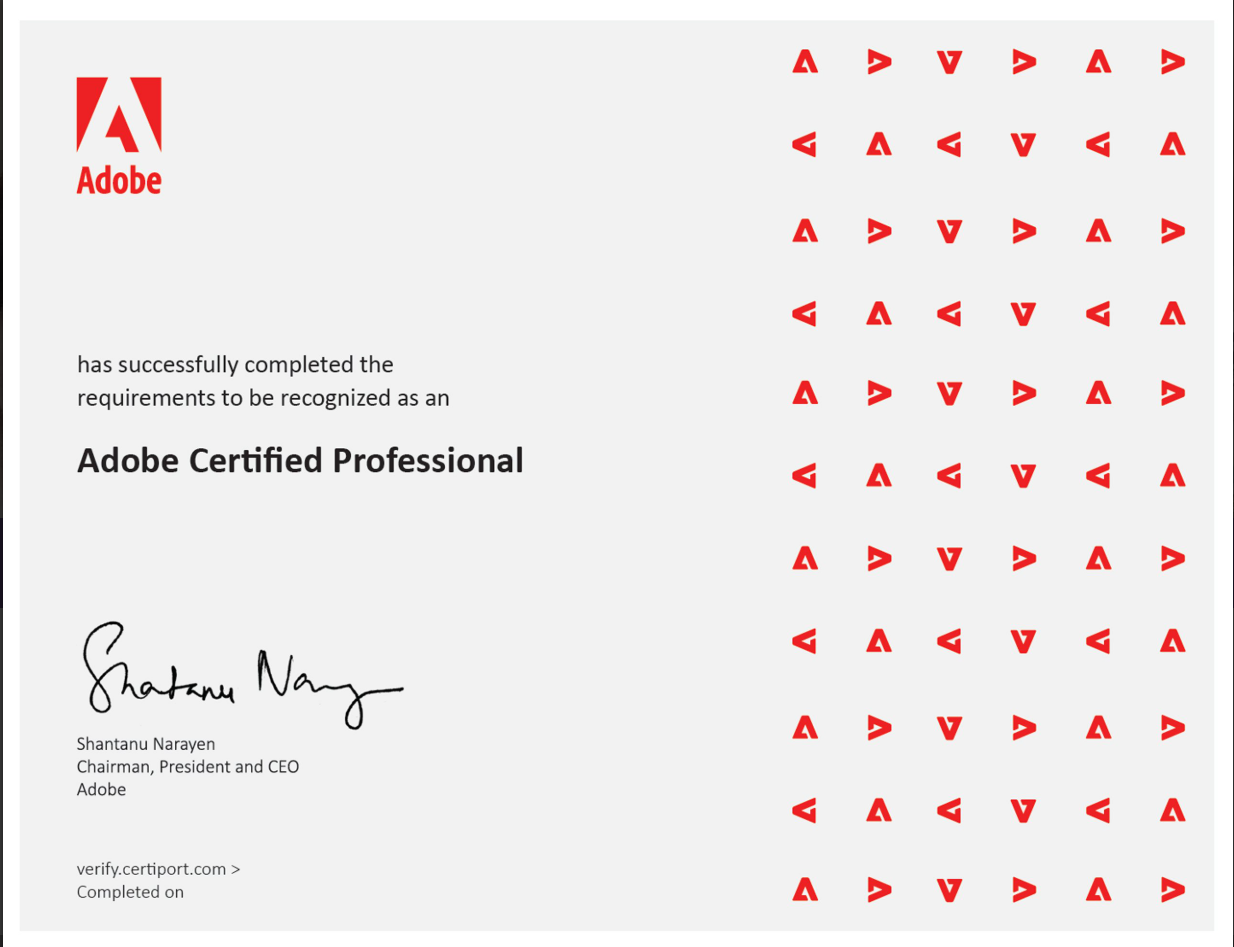
UIUX Certification
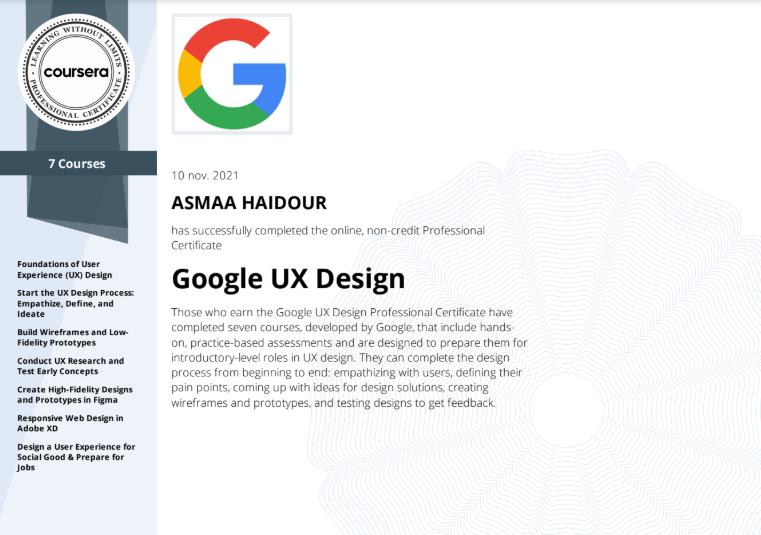
UIUX Certification
EXCELLENTTrustindex verifies that the original source of the review is Google. I am completed with python with data analytics course in IIE It's for good teaching best experience for placement training so I will like for Indra institute of education in Gandhipuram branch.Posted onTrustindex verifies that the original source of the review is Google. I have completed the data analytics course . The mentor was friendly to approach and they taught us all the concepts well and it was useful.Posted onTrustindex verifies that the original source of the review is Google. GoodPosted onTrustindex verifies that the original source of the review is Google. great place to study ccna ..sindhu mam really helped me a lot to finish my ccna coursePosted onTrustindex verifies that the original source of the review is Google. Successfully completed in networking and cloud course.thanks to iie teamsPosted onTrustindex verifies that the original source of the review is Google. Best institute in coimbatorePosted onTrustindex verifies that the original source of the review is Google. Best training institute in coimbatorePosted onTrustindex verifies that the original source of the review is Google. Best place to learn Data science and Machine Learning..Thanks IIE teamPosted onTrustindex verifies that the original source of the review is Google. Best place to learn data science in Coimbatore..Thanks IIE teamPosted onTrustindex verifies that the original source of the review is Google. I'm the student of indra institution in coimbatore. Here, to gave a well traning and good teaching of all students. Now , I'm placement to company. Thank you all
Get 15% OFF On This Course Now!
Learn Smarter, Not Hearder
Enjoyable Learning
Experience Awiat You
Our courses are taught by experienced professionals and subject matter experts who are passionate.
10,000
Daily Active Users
60%
Courses Enrollment Rate

4.7
Ratings
by 12 Learners
Frequently Asked Questions
Got Questions? We've Got Answers!
What are some UX research methods?
Interviews, surveys, user testing, competitive analysis, and persona creation
What is the difference between UI and UX?
UI (User Interface) is about the look and feel; UX (User Experience) focuses on the user journey and usability.
What tools do you use for UI/UX design?
Common tools: Figma, Adobe XD, Sketch, Photoshop, Illustrator, and In Vision.
Lets find your Perfect online courses today!
Empower Yourself with Expert-Lead Learning Anytime, Anywhere


