

SNE + CLOUD
What you'll learn
- Comprehensive Hardware Fundamentals: Understand basic hardware concepts, popular CPU architectures, motherboard components, RAM terminology, and peripheral device installation and configuration.
- Expert Operating System Management: Master installation, configuration, troubleshooting, and maintenance of operating systems, including Windows and Linux (Red Hat Enterprise Linux), with deep insights into file management, user and group administration, system services, and security protocols.
- Networking and Connectivity Skills: Gain in-depth knowledge of networking fundamentals such as LAN/WAN, VLAN, IP addressing (IPv4 & IPv6), subnetting (FLSM & VLSM), routing protocols, Cisco router configuration, and wireless network management.
- Linux Command Line Proficiency: Develop advanced skills in Linux shell commands, file system management, process control, log analysis, network configuration, SELinux security, storage management, and system performance tuning.
- Designing Secure, Resilient, and Cost-Optimized Cloud Architectures: Learn how to architect highly available, scalable, and secure AWS cloud environments optimized for performance and cost-efficiency using the latest AWS services and best practices.
Learning Objectives
- SNE + CLOUD
Course content
- 40 Modules
- 40 Session
- 4.5 Months Duration
Hardware Basics and System Fundamentals
Understand Basic Hardware Concepts – Learn key terms, core components, and the primary functions of system modules.
Explore CPU Chips – Study popular processors, their specifications (clock speed, cores, cache), and architectural characteristics.
BIOS vs UEFI – Understand the roles of BIOS and UEFI firmware in system initialization and boot processes.
Motherboard Architecture – Examine motherboard layout, major components, RAM types, and key terminologies.
Ports, Cables, and Connectors – Identify and understand the function of essential I/O ports (USB, HDMI), internal/external cables, and connectors.
Peripheral Devices – Printers – Gain insight into how printers work, including components and types (inkjet, laser), to enhance peripheral device knowledge.
Installing and Configuring Hardware Devices
Install Internal Devices – Learn how to install components like RAM, CPU, GPU, HDD/SSD, and expansion cards inside the system unit.
Connect External Devices – Set up external hardware such as monitors, keyboards, mice, and webcams through appropriate ports.
Configure Peripheral Devices – Install and configure printers, scanners, and external storage (USB drives, external HDDs/SSDs).
Driver Installation – Understand the importance of installing and updating drivers for device compatibility and performance.
Apply Best Practices – Follow safety, grounding, and anti-static precautions during hardware installation.
Ensure Compatibility & Performance – Verify hardware compatibility with the OS and ensure optimal performance through BIOS/firmware settings and driver configurations.
Hardware Maintenance and Troubleshooting Techniques
Understand Preventive Maintenance – Learn regular cleaning, inspection, and component checks to extend hardware lifespan.
Follow Safety Protocols – Apply proper grounding, anti-static measures, and safe handling practices to prevent damage and ensure workplace safety.
Manage Replaceable Components – Identify and replace parts like RAM, power supplies, fans, and storage drives effectively.
Troubleshooting Techniques – Use systematic methods to identify, isolate, and fix hardware issues efficiently.
Use Diagnostic Tools – Employ tools like POST cards, multimeters, and software utilities to aid in hardware diagnostics.
Document & Track Issues – Keep records of problems and solutions for future reference and better support workflows.
Operating System Fundamentals and File Management
Understand OS Functions
Explore Key System Files
File & Directory Management
Disk Management Techniques
Data Integrity Practices
Work Across OS Types
.
Installing, Configuring, and Upgrading Operating Systems
Install Microsoft Windows Operating Systems
Understand Boot Sequences and Startup Methods
Upgrade Windows Versions Effectively
Load and Configure Device Drivers
Manage System Applications
Ensure Seamless System Operation
Troubleshooting Operating Systems
Understand Common Error Codes and Startup Messages
Develop Systematic Troubleshooting Skills
Use Windows Troubleshooting Utilities
Diagnose and Fix Frequent OS Issues
Enhance System Reliability
Improve User Experience
Networking Fundamentals and Protocols
Understand Network Devices and Topologies
Explore Types of Networks (LAN, WAN, etc.)
Learn LAN Cable Types and Color Coding Standards
Master Network Protocols and Virtualization Basics
Understand IPv4 and IPv6 Addressing
Apply Subnetting Techniques (FLSM & VLSM)
Network Access and Switching Technologies
Understand VLANs and Interswitch Connectivity
Learn CDP, LLDP, and EtherChannel (LACP)
Master Spanning Tree Protocol (STP) and Rapid PVST+
Explore Wireless Architecture and Access Point Modes
Manage Wireless LAN Controllers (WLCs)
Implement Secure Remote Access with Telnet and SSH
IP Connectivity and Cisco Router Configuration
Understand Cisco Network Design and Router Components
Learn the Cisco Router Boot Sequence
Apply Router Security Best Practices
Configure Routing Protocols: Static, Default, and OSPFv2
Perform Cisco IOS Backup and Recovery
Explore First Hop Redundancy Protocols (FHRP)
IP Services and Network Management
Configure NAT (Network Address Translation)
Set Up NTP (Network Time Protocol)
Deploy DHCP and DHCP Relay
Implement DNS for Name Resolution
Use Network Monitoring Tools: SNMP and Syslog
Manage Remote Access and File Transfers with SSH, TFTP, and FTP
Security Fundamentals and Network Protection
Understand Core Network Security Concepts
Implement VPNs (Virtual Private Networks)
Configure Access Control Lists (ACLs)
Apply DHCP Snooping and Port Security
Use AAA (Authentication, Authorization, Accounting) Mechanisms
Secure Wireless Networks with Modern Security Protocols
Automation and Programmability in Networking
Understand the Importance of Network Automation
Explore Software-Defined Networking (SDN)
Work with REST-Based APIs for Network Control
Use Configuration Management Tools: Puppet, Chef, and Ansible
Interpret and Manipulate JSON-Encoded Data
Build Skills for Managing Programmable Networks
Red Hat Enterprise Linux (RHEL)
Introduction to Open Source and RHEL: Understand the open-source philosophy, Linux distributions, and key features of Red Hat Enterprise Linux.
Command Line Essentials: Log into Linux systems and execute basic commands in the bash shell to manage files and processes efficiently.
File Management: Learn to create, move, copy, delete, and organize files and directories via command line operations.
User and Group Administration: Manage local users and groups, set password policies, and control file system permissions with precision.
System Monitoring and Process Control: Monitor system processes, control services and daemons with systemd, and configure secure remote access using OpenSSH.
Logging and Troubleshooting: Analyze and interpret system logs for troubleshooting, improve shell productivity with scripting, and schedule automated tasks using cron jobs.
Security and Access Control: Manage SELinux, configure file access control lists (ACLs), and secure network services with firewalls and SELinux policies.
Storage Management: Create and manage partitions, logical volumes, file systems, and optimize storage with advanced features like Stratis and VDO.
Boot Process and System Recovery: Control the system boot process, troubleshoot boot failures, and manage recovery options.
Software Management: Install, update, and manage software packages using yum and Red Hat repositories.
Containers and Automation: Run and manage lightweight containers on RHEL and automate Linux administration tasks using Ansible, including playbook creation, role management, and troubleshooting.
AWS Certified Solutions Architect – Associate
Cloud Computing Fundamentals: Introduction to cloud computing, deployment models, service models, and an overview of leading cloud providers with a focus on AWS. Learn to set up AWS accounts, utilize the free tier, and manage billing and budgets.
Designing Secure Architectures: Deep dive into AWS Identity and Access Management (IAM), Single Sign-On (SSO), Multi-Factor Authentication (MFA), Security Token Service (STS), AWS Cognito, GuardDuty, Secrets Manager, Web Application Firewall (WAF), Shield, Key Management Service (KMS), and certificate management with AWS Certificate Manager (ACM).
Designing Resilient Architectures: Implement highly available architectures using AWS API Gateway, Transfer Family, Simple Queue Service (SQS), Content Delivery Network (CDN), Application Load Balancer, Fargate, Lambda, Elastic Container Service (ECS), Elastic Kubernetes Service (EKS), Step Functions, Route 53, AWS Backup, RDS Proxy, and AWS X-Ray.
Designing High-Performing Architectures: Optimize storage and computing with Amazon S3, EFS, EBS, AWS Batch, EMR, EC2, Auto Scaling, Elastic Cache, Aurora, DynamoDB, CloudFront, Global Accelerator, VPN, Direct Connect, PrivateLink, Athena, Lake Formation, QuickSight, DataSync, Storage Gateway, Glue, and Kinesis.
Cost-Optimized Architecture Design: Use AWS Cost Management tools including Cost Explorer, Budgets, and Cost & Usage reports to optimize cloud spending and resource allocation.
Description
SNE+Cloud combines the latest version of A+, N+, CCNA(R&S) 200-301, RHCE & AWS Certification. There is no prerequisite for taking up the CCNA Training; however a fundamental Knowledge of IP, basic switches and routers would be added advantage. Organizations need individuals with cloud skills to help transform their business. Red Hat Enterprise Linux Automation with Ansible teaches the skills needed to manage large numbers of systems and applications efficiently and consistently. You will learn the techniques needed to use Ansible to automate provisioning, configuration, application deployment, and orchestration. AWS Training and Certification helps you build and validate your cloud skills so you can get more out of the cloud. Our content is built by experts at AWS and updated regularly to keep pace with AWS updates, so you can be sure you’re learning the latest and keeping your cloud skills fresh
Mapped Certificate
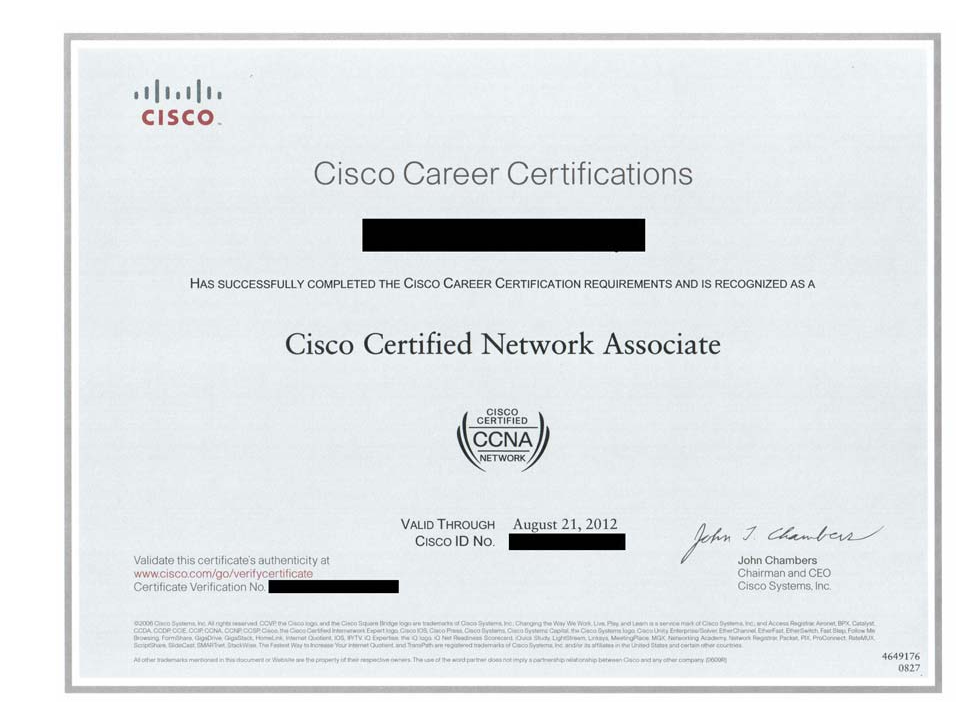
Certified Ethical Hacker
via CEH Practical
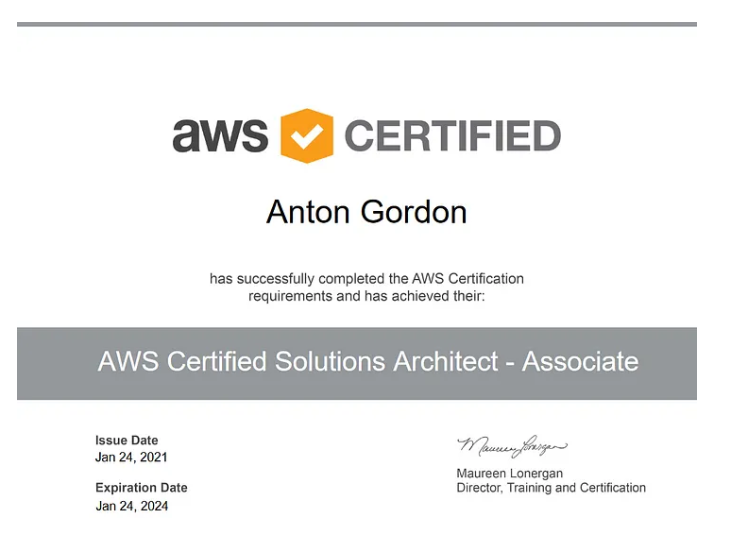
AWS Certified Solutions Architect - Associate
From AWS
EXCELLENTTrustindex verifies that the original source of the review is Google. I am completed with python with data analytics course in IIE It's for good teaching best experience for placement training so I will like for Indra institute of education in Gandhipuram branch.Posted onTrustindex verifies that the original source of the review is Google. I have completed the data analytics course . The mentor was friendly to approach and they taught us all the concepts well and it was useful.Posted onTrustindex verifies that the original source of the review is Google. GoodPosted onTrustindex verifies that the original source of the review is Google. great place to study ccna ..sindhu mam really helped me a lot to finish my ccna coursePosted onTrustindex verifies that the original source of the review is Google. Successfully completed in networking and cloud course.thanks to iie teamsPosted onTrustindex verifies that the original source of the review is Google. Best institute in coimbatorePosted onTrustindex verifies that the original source of the review is Google. Best training institute in coimbatorePosted onTrustindex verifies that the original source of the review is Google. Best place to learn Data science and Machine Learning..Thanks IIE teamPosted onTrustindex verifies that the original source of the review is Google. Best place to learn data science in Coimbatore..Thanks IIE teamPosted onTrustindex verifies that the original source of the review is Google. I'm the student of indra institution in coimbatore. Here, to gave a well traning and good teaching of all students. Now , I'm placement to company. Thank you all
Get 15% OFF On This Course Now!
Learn Smarter, Not Hearder
Enjoyable Learning
Experience Awiat You
Our courses are taught by experienced professionals and subject matter experts who are passionate.
10,000
Daily Active Users
60%
Courses Enrollment Rate

4.7
Ratings
by 12 Learners
Frequently Asked Questions
Got Questions? We've Got Answers!
Who is this course for?
IT beginners, network engineers, system administrators, and anyone wanting to learn cloud and network technologies.
Who is this course for?
IT beginners, network engineers, system administrators, and anyone wanting to learn cloud and network technologies.
What does SNE + Cloud stand for?
SNE means Systems and Network Engineering combined with Cloud computing skills.
Lets find your Perfect online courses today!
Empower Yourself with Expert-Lead Learning Anytime, Anywhere


