

RHCE + AMAZON WEB SERVICE
What you'll learn
- Master essential Linux commands, user management, and service configuration. Learn to secure, optimize, and automate Red Hat-based systems for enterprise environments.
- Streamline your IT tasks by writing playbooks and managing infrastructure as code. Gain hands-on experience automating system configurations and deployments.
- Understand how to deploy and manage services like EC2, S3, and RDS. Build scalable and secure infrastructure using real-world AWS scenarios.
- Configure VPCs, firewalls, and secure SSH access across both Linux servers and AWS. Learn best practices for identity management and data protection.
- Apply your skills to deploy Linux-based applications in the cloud. Work on live simulations integrating RHCE and AWS tools for end-to-end project management.
Learning Objectives
- Master Advanced Linux System Administration
- Automate Infrastructure Using Ansible
- Deploy and Manage Scalable AWS Cloud Solutions
- Integrate Linux and Cloud for Real-World Deployments
Course content
- 28 Modules
- 28 Sessions
- 1.5 Months Duration
GET STARTED WITH RED HAT ENTERPRISE LINUX
- Introduction to open source and Linux architecture
- Compare Linux distributions and the benefits of using RHEL in enterprise environments
- Explore Linux use cases in real-world scenarios
ACCESS THE LINUX COMMAND LINE INTERFACE (CLI)
- Log into Linux systems via terminal, SSH, and consoles
- Execute simple Linux commands using the bash shell
- Understand shell prompts and basic shell navigation
MANAGE FILS FROM THE COMAND LINE
- Copy, move, create, and delete files and directories
- Use command-line tools like
cp,mv,rm,mkdir,rmdir - Navigate the Linux file system and manage permissions
GET HELP IN RED HAT ENTERPRISE LINUX
- Use
man,info, andhelpcommands effectively - Discover help options in CLI tools and commands
- Access Red Hat documentation and knowledge base
CREATE, VIEW, AND EDIT TEXT FILES
- Create and edit files using
vim,nano, andcat - Redirect command outputs to files
- Use
grep,less,more,tail,headfor reading logs
MANAGE LOCAL USERS AND GROUPS
- Create, modify, and delete user accounts and groups
- Apply local password policies and user permissions
- Understand
/etc/passwd,/etc/shadow,/etc/groupfiles
INSTALL AND UPDATE SOFTWARE
- Add, update, and remove software using package managers
- Configure YUM repositories and use Red Hat Subscription Manager
- Understand dependencies and RPM packages
ACCESS LINUX FILES SYSTEMS
- Mount and unmount file systems
- Explore device naming, partitions, and LVMs
- Use
df,du,mount, andumountcommands
CONTROL SERVICES AND DAEMONS
- Use
systemctlto start, stop, enable, and disable services - Mask and unmask services for granular control
- Monitor services and logs using
journalctl
ANALYZE AND STORING LOGS
- Use
rsyslog,journalctl, andlogrotate - Track user activities and system changes
- Store and back up system logs
IMPROVE COMMAND LINE PRODUCTIVITY
- Create and execute shell scripts
- Use advanced features like command chaining, aliasing, piping
- Utilize tools like
xargs,cut,awk,sed,find,tee
MANAGE SELINUX SECURITY
- Understand SELinux modes and policies
- Manage SELinux booleans, contexts, and rules
- Troubleshoot SELinux access issues
MANAGE BASIC STORAGE
- Create and format partitions using
fdisk,mkfs - Set up and manage swap space
- Mount and manage storage from the CLI
MANAGE LOGICAL VOLUMES
- Create volume groups, logical volumes, and file systems
- Resize and remove logical volumes
- Monitor LVM usage and performance
IMPLEMENT ADVANCED STORAGE FEATURES
- Use Stratis for simplified storage management
- Enable VDO to reduce disk space usage
- Combine Stratis and VDO for best results
CONTROL THE BOOT PROCESS
- Use GRUB2 bootloader and systemd targets
- Repair boot issues and recover from system failures
- Modify boot parameters and kernel options
INSTALL RED HAT ENTERPRISE LINUX
- Use RHEL installer and configure partitions
- Set up user accounts, time zones, and networking
- Post-installation configuration steps
RUN CONTAINERS
- Install and use Podman or Docker
- Create, run, and manage lightweight containers
- Build container images and run services in isolation
INTRODUCE ANSIBLE
- Understand infrastructure as code
- Install and configure Ansible Engine
- Use inventory files and YAML syntax
DEPLOY ANSIBLE
- Run ad hoc commands
- Configure SSH key-based authentication
- Use modules for real-time tasks
IMPLEMENT PLAYBOOKS
- Structure a playbook with tasks, modules, and handlers
- Use loops, conditionals, and tags
- Apply playbooks across multiple managed nodes
MANAGE VARIABLES AND FACTS
- Use default and custom variables
- Extract facts dynamically with
setupmodule - Group hosts and apply different configurations
DEPLOY FILES TO MANAGED HOSTS
- Copy configuration files
- Manage templates with Jinja2
- Ensure consistency across environments
MANAGE LARGE PROJECTS
- Break playbooks into roles and tasks
- Manage complex inventories
- Use includes and imports effectively
SIMPLIFY PLAYBOOKS WITH ROLES
- Create role directory structures
- Apply multiple roles in a single playbook
- Share roles using Ansible Galaxy
TROUBLESHOOT ANSIBLE
- Use
-vvvmode for detailed output - Debug playbooks and catch errors
- Resolve connection and syntax issues
AUTOMATE LINUX ADMINISTRATION TASKS
- Schedule system updates
- Automate service configurations
- Improve security compliance with Ansible
CLOUD COMPUTING & AWS INTRODUCTION
- Understand Cloud Deployment and Service Models
- Overview of top cloud vendors and AWS Free Tier
- Create AWS Account, setup billing alerts, and cost control
DESIGN SECURE ARCHITECTURES (30%)
AWS IAM (Identity and Access Management): Users, Groups, Policies, and Roles.
AWS SSO, MFA, and STS for secure identity federation and temporary credentials.
Advanced security services: AWS SCP, AWS Secret Manager.
Network protection tools: AWS WAF, Connect, AWS KMS, and AWS Certificate Manager (ACM).
DESIGN RESILIENT ARCHITECTURES ( 26%
- Deploy REST APIs with API Gateway
- AWS Transfer Family, Lambda, and Step Functions
- AWS SQS, Fargate, ECS, EKS, Route 53, RDS Proxy
Design High-Performance Architectures
- Amazon S3, EFS, EBS, Aurora, DynamoDB
- AWS Batch, EMR, Elastic Cache, EC2 Auto Scaling
AWS Glue, Kinesis, Global Accelerator, DataSync
Description
This RHCE + AWS integrated program is aimed at IT professionals who want to become skilled Linux system administrators with advanced automation skills and knowledge of Amazon Web Services (AWS). The Red Hat Certified Engineer (RHCE) credential shows proficiency in Red Hat Enterprise Linux (RHEL) and involves practical tasks like configuring system logs and managing network functions. The certification has also adapted to include Ansible for automation, helping professionals manage cloud-native infrastructure efficiently.
Participants also learn about AWS, a major cloud platform with many services, enabling them to create secure and scalable cloud solutions. This course is ideal for future Cloud Administrators, Linux Engineers, and Infrastructure Professionals, preparing them for digital transformation and hybrid cloud management.
Mapped Certificate
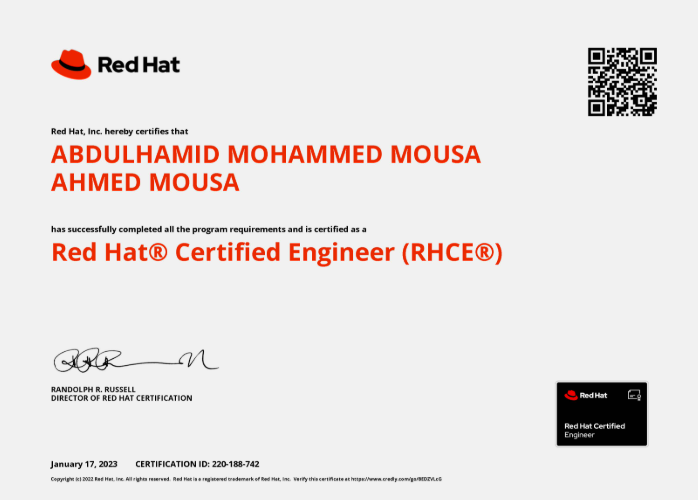
RHCE Certification
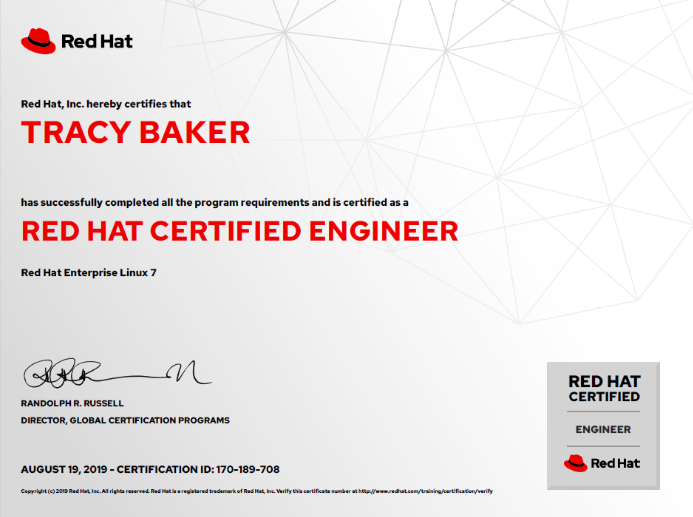
RHCE Certification
EXCELLENTTrustindex verifies that the original source of the review is Google. I am completed with python with data analytics course in IIE It's for good teaching best experience for placement training so I will like for Indra institute of education in Gandhipuram branch.Posted onTrustindex verifies that the original source of the review is Google. I have completed the data analytics course . The mentor was friendly to approach and they taught us all the concepts well and it was useful.Posted onTrustindex verifies that the original source of the review is Google. GoodPosted onTrustindex verifies that the original source of the review is Google. great place to study ccna ..sindhu mam really helped me a lot to finish my ccna coursePosted onTrustindex verifies that the original source of the review is Google. Successfully completed in networking and cloud course.thanks to iie teamsPosted onTrustindex verifies that the original source of the review is Google. Best institute in coimbatorePosted onTrustindex verifies that the original source of the review is Google. Best training institute in coimbatorePosted onTrustindex verifies that the original source of the review is Google. Best place to learn Data science and Machine Learning..Thanks IIE teamPosted onTrustindex verifies that the original source of the review is Google. Best place to learn data science in Coimbatore..Thanks IIE teamPosted onTrustindex verifies that the original source of the review is Google. I'm the student of indra institution in coimbatore. Here, to gave a well traning and good teaching of all students. Now , I'm placement to company. Thank you all
Get 15% OFF On This Course Now!
Learn Smarter, Not Hearder
Enjoyable Learning
Experience Awiat You
Our courses are taught by experienced professionals and subject matter experts who are passionate.
10,000
Daily Active Users
60%
Courses Enrollment Rate

4.7
Ratings
by 12 Learners
Frequently Asked Questions
Got Questions? We've Got Answers!
What is the RHCE + AWS course all about?
This course combines Red Hat Certified Engineer (RHCE) training with AWS Solutions Architect Associate, preparing you for Linux system administration and cloud architecture roles.
Who should take this course?
Ideal for aspiring system administrators, DevOps engineers, cloud architects, and IT professionals looking to master Linux and AWS.
Lets find your Perfect online courses today!
Empower Yourself with Expert-Lead Learning Anytime, Anywhere


