

What you'll learn
- Hardware Analysis: Techniques and tools for analyzing hardware devices.
- Vulnerability Identification: Identifying vulnerabilities in hardware devices.
- Exploit Development: Developing exploits for hardware vulnerabilities
- Side-Channel Attacks: Understanding side-channel attacks and countermeasures.
- 5. Firmware and Software Security: Analyzing and securing firmware and software in hardware devices.
Learning Objectives
- Hardware Basics
- Installing and Configuring Hardware
- Maintenance and Troubleshooting
- Installing and Configuring Operating System
- Troubleshooting Operating Systems
- Networking Fundamentals
- CCNA-V1.0 (200-301)
- CERTIFIED ETHICAL HACKER (312-50)
Course content
- 28 Services
- 28 Sessions
- 3 Months Duration
HARDWARE BASICS
- Learn the functions of system modules and key terminology.
Understand popular CPU chips and their characteristics.
Explore BIOS and UEFI fundamentals.
Dive into motherboard architecture and core components.
Identify RAM types, ports, connectors, and common cable types.
Study printer operations, types, and internal components.
INSTALLING AND CONFIGURING HARDWARE
- Install and configure internal devices like hard drives and expansion cards.
Set up external peripherals such as printers, scanners, and monitors.
Troubleshoot and optimize peripheral device performance.
MAINTENANCE AND TROUBLESHOOTING
- Implement safety procedures and best practices for hardware handling.
Replace and manage system components effectively.
Perform structured troubleshooting for common hardware and OS issues.
Understand OS basics, system files, disk and file management.
INSTALLING AND CONFIGURING OPERATING SYSTEM
- Perform clean installations and upgrades of Windows OS.
Explore boot sequences and boot methods.
Install, configure, and troubleshoot device drivers.
Learn to manage installed applications and optimize system performance.
TROUBLESHOOTING OPERATING SYSTEMS
- Use built-in Windows utilities for system health and repair.
Solve file system, driver, and performance-related problems.
NETWORKING FUNDAMENTALS
- Understand types of networks, topologies, and networking devices.
Explore LAN cable types, color coding, and physical media.
Study core networking protocols and virtualization basics.
Dive into IPv4 and IPv6 addressing and perform FLSM/VLSM subnetting.
CCNA-V1.0 (200-301)
VLANs & Switching:
Configure VLANs, CDP, LLDP, and EtherChannel (LACP).
Understand STP, Rapid PVST+, and AP operating modes.
Wireless & Management:
Learn Wireless LAN architecture and WLC access methods (Telnet, SSH).
IP CONNECTIVITY
Understand Cisco’s 3-tier design model.
Explore router components, boot sequences, and configuration modes.
Learn static, default, and dynamic routing (OSPFv2).
IP SERVICES
Configure and troubleshoot NAT, NTP, DHCP, DNS, SNMP, Syslog, and SSH.
Understand DHCP relay and TFTP/FTP services.
SECURITY FUNDAMENTALS
- Learn key security concepts and security program components.
Configure VPNs, ACLs, port security, and DHCP snooping.
Understand AAA services and wireless security protocols.
AUTOMATION AND PROGRAMMABILITY
- Understand traditional vs. automated network management.
Explore REST-based APIs, SDN concepts, and controller-based networking.
Learn Ansible, Puppet, and Chef fundamentals.
Interpret JSON-formatted data and API interactions.
Description
HWR (Hardware Engineering & Repair) is a comprehensive training program focused on equipping individuals with the necessary skills to diagnose, repair, and maintain computer and electronic hardware systems. It covers a wide range of hardware components, including desktops, laptops, servers, mobile devices, and networking equipment. Participants gain hands-on experience with troubleshooting techniques, component-level repairs, and maintenance best practices, ensuring efficient and reliable hardware functionality. The course prepares individuals for careers in hardware engineering, repair, and support, making them proficient in handling real-world technical challenges in the IT and electronics industry.
Mapped Certificate
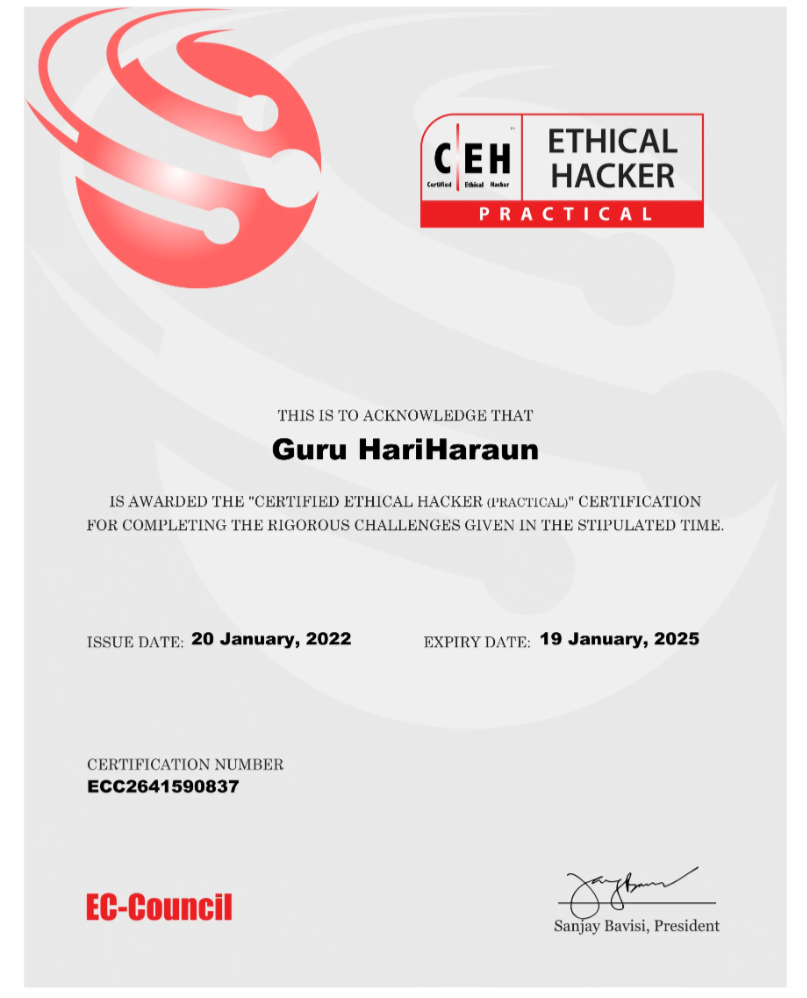
Certified Ethical Hacking
via EC-Council Certification Program
Certified Ethical Hacking
Via EC-Council Certification Program
EXCELLENTTrustindex verifies that the original source of the review is Google. I am completed with python with data analytics course in IIE It's for good teaching best experience for placement training so I will like for Indra institute of education in Gandhipuram branch.Posted onTrustindex verifies that the original source of the review is Google. I have completed the data analytics course . The mentor was friendly to approach and they taught us all the concepts well and it was useful.Posted onTrustindex verifies that the original source of the review is Google. GoodPosted onTrustindex verifies that the original source of the review is Google. great place to study ccna ..sindhu mam really helped me a lot to finish my ccna coursePosted onTrustindex verifies that the original source of the review is Google. Successfully completed in networking and cloud course.thanks to iie teamsPosted onTrustindex verifies that the original source of the review is Google. Best institute in coimbatorePosted onTrustindex verifies that the original source of the review is Google. Best training institute in coimbatorePosted onTrustindex verifies that the original source of the review is Google. Best place to learn Data science and Machine Learning..Thanks IIE teamPosted onTrustindex verifies that the original source of the review is Google. Best place to learn data science in Coimbatore..Thanks IIE teamPosted onTrustindex verifies that the original source of the review is Google. I'm the student of indra institution in coimbatore. Here, to gave a well traning and good teaching of all students. Now , I'm placement to company. Thank you all
Get 15% OFF On This Course Now!
Learn Smarter, Not Hearder
Enjoyable Learning
Experience Awiat You
Our courses are taught by experienced professionals and subject matter experts who are passionate.
10,000
Daily Active Users
60%
Courses Enrollment Rate

4.7
Ratings
by 12 Learners
Frequently Asked Questions
Got Questions? We've Got Answers!
Who should take this course?
Anyone interested in computer hardware, including students, job seekers, and tech enthusiasts aiming for careers in IT support or repair.
Do I need any prior knowledge to join?
No prior experience is required. The course is designed for beginners as well as intermediate learners. A basic understanding of computers is helpful but not mandatory.
Do I need a technical background?
No prior technical background is required. The course starts with basic concepts and gradually moves to advanced topics.
What are the career opportunities after HWR training?
After completing the course, you can work as:
Hardware Technician
Desktop Support Engineer
System Assembler
Service Center Technician
You can also start your own computer/laptop repair business.
Lets find your Perfect online courses today!
Empower Yourself with Expert-Lead Learning Anytime, Anywhere


