

BUSINESS ANALYTICS
What you'll learn
- Learn Business Analytics with Python Master Python syntax, data manipulation, and key analytical techniques to drive data-driven business decisions and insights.
- Master Data Automation in Business Analytics Leverage Power BI, Tableau, SQL, and Advanced Excel for efficient data processing and insightful reporting.
- Use Functions and Modules in Business Analytics Enhance efficiency in Power BI, Tableau, SQL, and Excel by leveraging built-in functions, custom formulas, and modular data processing
- Work with Data Structures in Business Analytics Utilize tables, queries, pivot tables, and data models in Power BI, Tableau, SQL, and Excel for efficient data handling and analysis.
- Handle Data and Errors in Business Analytics Manage data imports, exports, and error handling in Power BI, Tableau, SQL, and Excel for seamless analysis and reporting.
Learning Objectives
- ADVANCE EXCEL
- SQL
- POWER BI
- TABLEAU
Course content
- 15 Modules
- 30 Sessions
- 2.5 Months Duration
NUMPY
- Numpy Introduction
- Numpy Arrays
- Data Types in Numpy
- Array Indexing, Array Slicing, Array Shape, Array Reshape, Array Iteration, Array Join, Array Split, Array Search & Sorting, Array Filter
PANDAS
- Introduction Pandas, Series Pandas, Data Frames
- Pandas Read CSV & JSON, Pandas Analyzing Data, Data Cleaning
MATPLOT
- Introduction, Pyplot Plotting, Markers
- Line Labels, Grid, Subplot, Scatter Plot
- Bar Chart, Histogram, Pie Chart
ADVANCED EXCEL INTRODUCTION
- FORMULAS & FUNCTIONS,
- Aggregate Function, Logical Function, Lookup & References,
- Financial Functions, Formatting and Proofing
CONDITIONAL FORMATTING
- Conditional Formatting using New Rule
- Conditional Formatting using Formula
PIVOT TABLES
- Creating Simple Pivot Tables, Classic Pivot table Basic and Advanced Value Field Setting
- Calculated Field & Calculated Items
- Grouping based on numbers and Dates
POWER PIVOT
- Activating Power pivot
- Usage of Data model DAX Calculation Relational Data
SLICERS AND CHARTS
- Using SLICERS, Filter data with Slicers Various Charts i.e. Bar Charts/Pie Charts/Line Charts
- Manage Primary and Secondary Axis
DATA AND VALIDATION
- Number, Date & Time Validation
- Text and List Validation
- Custom Validation
- Dropdown List Validation.
ANALYZING AND ORGANIZING DATA
- Creating Scenarios, Working with Data Tables
- Using Goal Seek, Using Solver
- Using Consolidating Data by Position or Category
- Consolidating Data Using Formulas Excel
VBA
- Macro Builder, Create a standalone macro
- Create an embedded macro
- Add actions to a macro, Control program flow with If, Else If, and Else, Create sub macros
- Group related actions together
- Expand and collapse macro actions or blocks
- Copy and paste macro actions
- Share a macro with others
SQL INTRODUCTION
- Get started with database, SQL and MySQL
- What is database?
- Why use SQL?
- Importance of MySQL
BASICS OF SQL
- First Steps in SQL
- Creating a database
- Introduction to data types
- Creating a table
INSTALLING SQL
- Get acquainted with the interface
SQL SERVER LANGUAGES AND RELATIONAL DATABASES
- DDL
- DCL
- DML
- TCL
RELATIONAL DATABASE TERMINOLOGY
- Relational Database essentials
- Primary key
- Foreign key
- Unique key and null values
THE SELECT STATEMENT
- Load the database, Loading employees’ database
- Starting with SELECT statement, Select-From Where And-Or (In-not in) Like-not like
- Wildcard characters Between-and Is not null-is null, Select distinct, Aggregate statement
- Order by-Group by Using Aliases, Having and Limit
SQL STATEMENT
- Insert statement, Inserting data INTO table, Update statement, Commit and rollback, Delete statement, Drop vs Truncate
- AGGREGATE FUNCTIONS, Functions Count Sum Min() and Max Avg Round()
POWER BI INTRODUCTION
- What is Power BI
- Why we have to use?
ARCHITECTURE
- Power BI Desktop
- Power BI Server
- Power BI Online Service
- Power BI Mobile App
SUPPORTED DATA SOURCES
- Data Sources : Excel, SQL, CSV, JSON, Access
COMPARISON WITH OTHER BI TOOLS
- Power BI vs Tableau
DATA MODELLING
- Using Data Modeling and Navigation
- Creating Calculated, Columns
- Creating Calculated Tables
- Managing Time-Based Data
DASHBOARD OPTIONS
- Exploring Different Datasets
- Creating and Sharing Dashboards
- Tiles in Dashboard
VISUALIZATION OPTIONS
- Creating Simple Visualizations
- Creating Map Visualizations
- Using Combination Charts
- Using Tables, Modify Colors in Charts
- Adding Shapes, Images and Text box
- Styling Reports, Duplicating Reports
EXCEL INTEGRATION
- Using Excel Data Importing xlsx Files
DASHBOARDS
- Using Power BI
- Desktop for Report Sharing
- Printing Power BI Dashboards
- Export Options, Publishing Report to Web, Using & Editing Content Pack
DAX BASICS IN POWER BI
- DAX Architecture
- Entity Sets DAX Data Types
- Syntax Rules DAX Measures and Calculation
- Data Modeling Options in DAX
TABLEAU INTRODUCTION
- BI Concepts What is TABLEAU?
- Why Data Visualization?
- Unique Features compared to Traditional BI Tools
- TABLEAU Overview & Architecture
- File Types & Extensions
DATA CONNECTIONS IN TABLEAU INTERFACE
- Data Connections in the Tableau Interface
- Connecting to Tableau, Data Server, Types of Join
- When to Use Joining,
- What is Data Blending, When to Use Data Blending
- Joining vs. Blending, Creating Data Extracts in Tableau
ORGANIZING AND SIMPLIFYING DATA
- Applying Filters
- Quick Filters Sorting of Data
- Creating Combined Fields
- Creating Groups and Defining Aliases
- Working with Sets and Combined Sets
- Drill to Other Levels in a Hierarchy
- Grand totals and Subtotals
- Creating and using Parameters
- Exploring Parameter Controls
- Using parameters for titles, field selections, logic statements
BUILDING CHART TYPES
- Working with Combined Axis
- Working with Combination Charts
- Working with Geocoding and Geographic Mapping
- Using Scatter Plots
- Using Text tables and Highlight tables
- Using Heat Maps
- Using Histograms
- Using Pie Charts
- Using Bullet Charts
ADVANCED CHART TYPES
- Using Pareto Charts Using Waterfall Charts
- Using Gantt Charts
- Using Box Plots
- Using Sparkline Charts
- Using Density Charts
- Using KPI Charts Small Multiples
- Working with aggregate versus disaggregate data
LOGIC STATEMENTS
- Formatting Options in Formatting Visualizations
- Working with Labels and Annotations
- Effective Use of Titles and Captions
MAPPING
- Importing and Modifying
- Custom Geocoding
- Working with Symbol Map and Filled Map
- Using Background
- Image Exploring
STATISTICS
- Add Reference Lines Bands and Distribution Adding Reference Lines
- Adding Reference Bands Adding Reference Distribution
- Working Reference Lines Bands
- Forecasting Trend lines and Trend Models
DASHBOARD
- Build Interactive Dashboards
- Best practices for creating effective dashboards
- Creating a Dashboard and Importing Sheets Interaction
- Exploring Dashboard
- Actions Use of Running Actions & Dashboard Actions
- How to Share your Reports & Exporting your Work
Description
Become a Skilled Business Analyst with Industry-Leading Tools. This program covers essential to advanced business analytics techniques using Power BI, Tableau, SQL, and Excel. Learn data visualization, statistical analysis, and predictive modeling to extract insights and drive strategic decisions. Gain hands-on experience with real-world data, enhance your expertise, and boost your career in the evolving field of business analytics
Mapped Certificate
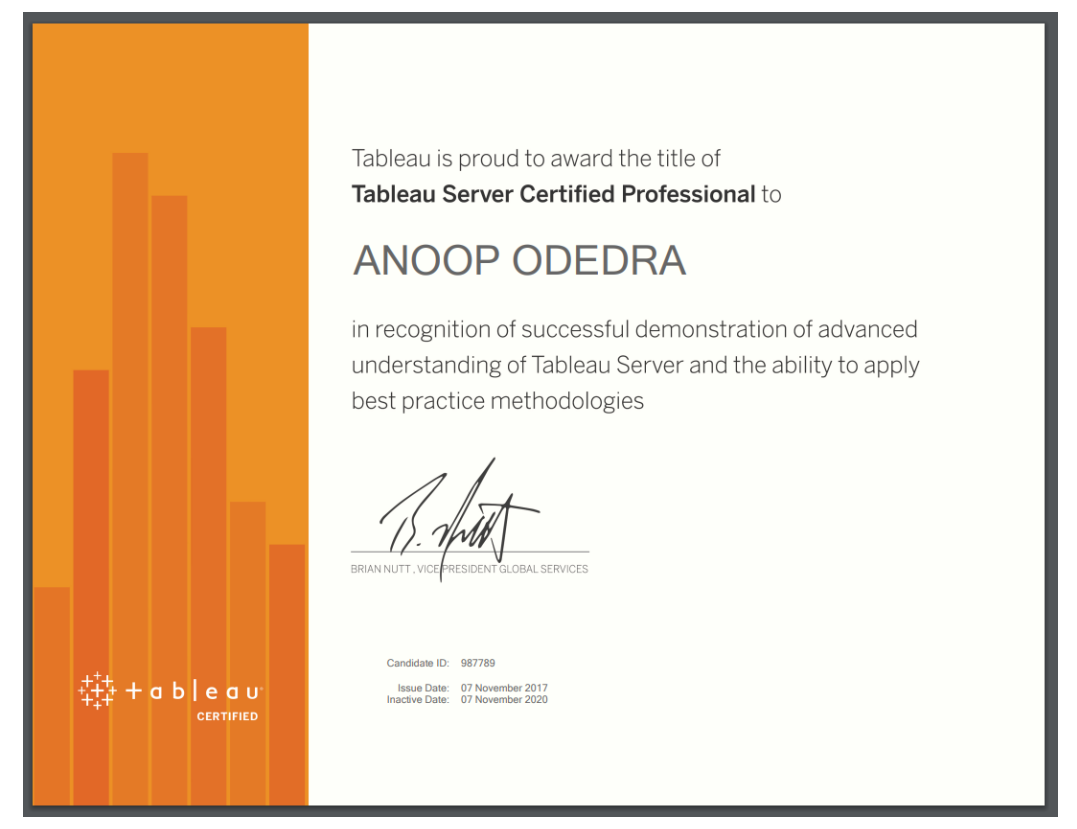
Google Flutter Certification
via Google Developer's Certification Program
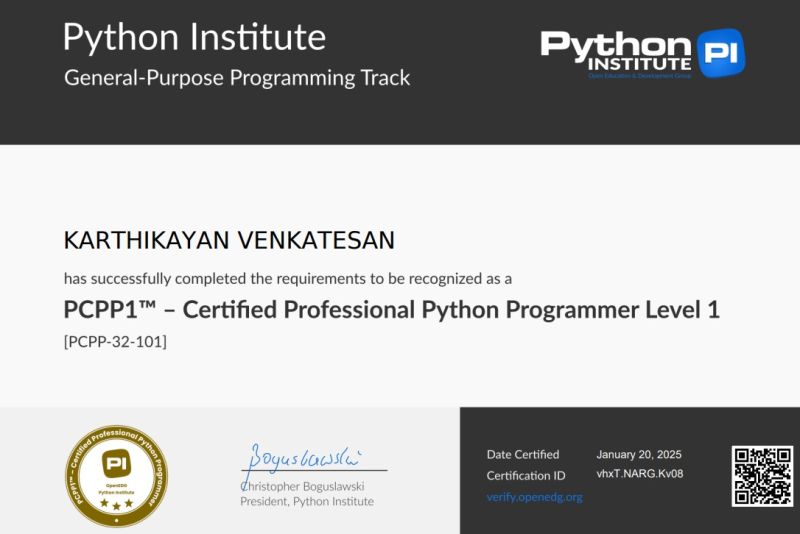
MongoDB University
For Flutter + Firebase integration
EXCELLENTTrustindex verifies that the original source of the review is Google. I am completed with python with data analytics course in IIE It's for good teaching best experience for placement training so I will like for Indra institute of education in Gandhipuram branch.Posted onTrustindex verifies that the original source of the review is Google. I have completed the data analytics course . The mentor was friendly to approach and they taught us all the concepts well and it was useful.Posted onTrustindex verifies that the original source of the review is Google. GoodPosted onTrustindex verifies that the original source of the review is Google. great place to study ccna ..sindhu mam really helped me a lot to finish my ccna coursePosted onTrustindex verifies that the original source of the review is Google. Successfully completed in networking and cloud course.thanks to iie teamsPosted onTrustindex verifies that the original source of the review is Google. Best institute in coimbatorePosted onTrustindex verifies that the original source of the review is Google. Best training institute in coimbatorePosted onTrustindex verifies that the original source of the review is Google. Best place to learn Data science and Machine Learning..Thanks IIE teamPosted onTrustindex verifies that the original source of the review is Google. Best place to learn data science in Coimbatore..Thanks IIE teamPosted onTrustindex verifies that the original source of the review is Google. I'm the student of indra institution in coimbatore. Here, to gave a well traning and good teaching of all students. Now , I'm placement to company. Thank you all
Get 15% OFF On This Course Now!
Learn Smarter, Not Hearder
Enjoyable Learning
Experience Awiat You
Our courses are taught by experienced professionals and subject matter experts who are passionate.
10,000
Daily Active Users
60%
Courses Enrollment Rate

4.7
Ratings
by 12 Learners
Frequently Asked Questions
Got Questions? We've Got Answers!
What is the Python course?
Lets find your Perfect online courses today!
Empower Yourself with Expert-Lead Learning Anytime, Anywhere


